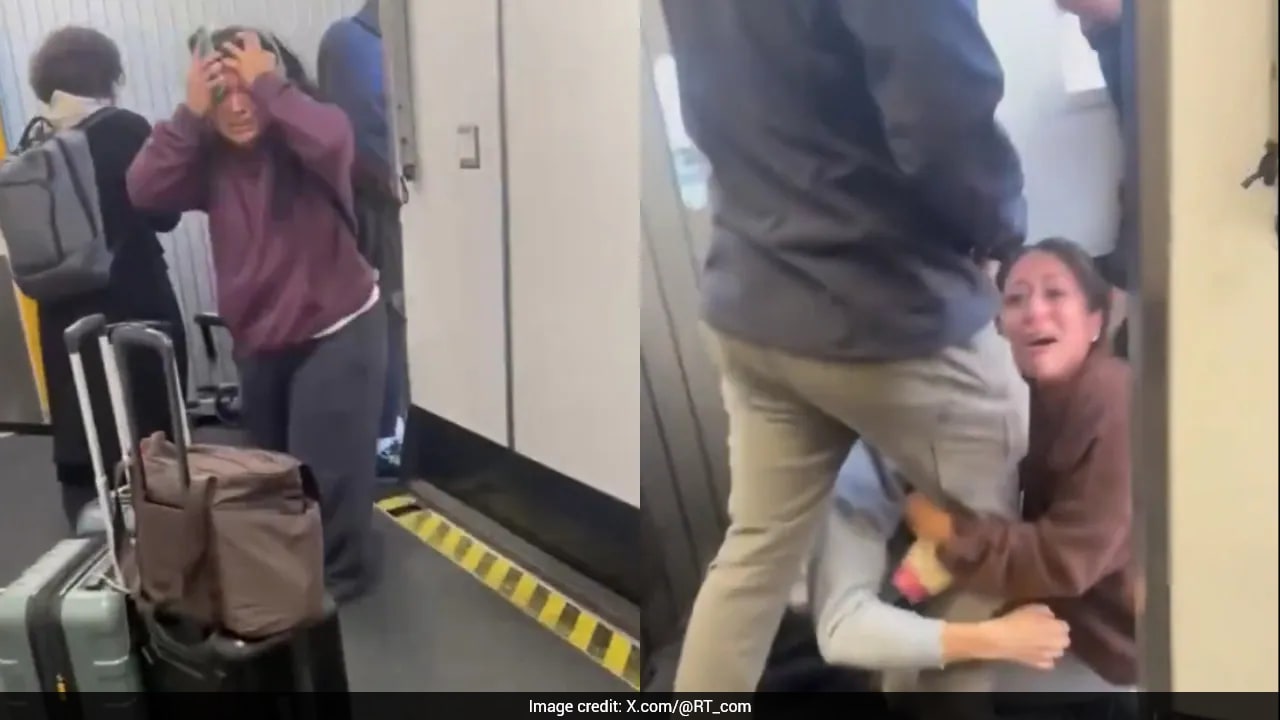
Handing over your unlocked phone at a repair counter or retail store feels routine, almost boring, until you realize a stranger has unrestricted access to your entire digital life. That exact nightmare played out in Texas when an Indian-origin retail worker allegedly transferred a customer's private nude photos to his own device, triggering a criminal investigation that ended with U.S. Immigration and Customs Enforcement taking him into custody.
Most news outlets treat a story like this as a quick sensational headline. They skim the police blotter, mention the arrest, and move on to the next viral outrage. Doing that misses the bigger picture entirely. When a retail employee steals intimate images from a customer's phone, two massive legal systems collide at once—state criminal privacy laws and federal immigration enforcement—while exposing a glaring security blind spot that millions of everyday consumers ignore every single day.
Let's break down what actually happened in this Texas case, why non-citizens face drastically steeper consequences for digital privacy crimes, and what you need to do before handing your phone to any technician.
The Texas Retail Privacy Breach That Sparked an ICE Arrest
The incident centers on an Indian-origin employee working at a retail storefront in Texas who gained access to a customer's mobile phone during a routine service interaction. Rather than sticking to the technical issue at hand, the worker allegedly browsed the customer's private photo gallery, located explicit personal images, and sent those files directly to his own phone.
It's a textbook abuse of trusted access. Customers hand over passcodes or disable lock screens because retail reps claim they need full access to run diagnostics, transfer data, or verify device functionality. Within seconds, an unethical employee can AirDrop, text, or email private files to an external number and delete the outgoing record from the victim's sent folder.
Once the breach came to light and law enforcement stepped in, the consequences escalated far beyond a standard workplace firing. Local authorities investigated the unauthorized access and theft of intimate visual material, which quickly drew the attention of federal immigration officials. U.S. Immigration and Customs Enforcement subsequently arrested the worker, shifting the case from a local criminal matter into federal removal proceedings.
Notice how fast the dominoes fell. A single decision behind a retail counter destroyed a career, triggered criminal liability under Texas law, and put the accused on ICE's radar for potential deportation.
Why Texas Law Treats Digital Photo Theft So Seriously
A lot of people still assume that snooping through someone's phone without permission is just a minor policy violation or a civil slap on the wrist. They're wrong. Texas has spent the past decade aggressively updating its penal code to punish non-consensual digital intrusions and image theft.
Under Texas Penal Code Section 33.02 (Breach of Computer Security), knowingly accessing a computer, computer network, or computer system—which explicitly includes smartphones—without the effective consent of the owner is a criminal offense. Even if a customer gives you their passcode to fix a screen or transfer contacts, that consent is strictly limited to the repair task. Going beyond the scope of authorized access crosses straight into illegal territory.
Then there is the content itself. Stealing and transmitting intimate images implicates Texas Penal Code Section 21.16, commonly known as the state's "revenge porn" or unlawful disclosure statute, alongside laws governing invasive visual recording and theft of property. Depending on how the images were obtained, stored, or shared, prosecutors can stack charges ranging from Class B misdemeanors to state jail felonies.
Here is why prosecutors rarely go easy on retail and repair workers in these cases:
- Violation of commercial trust. Customers cannot reasonably use modern repair or telecom services without temporarily surrendering physical control of their devices. Courts view employees who exploit that vulnerability as predatory.
- Forensic traceability. People who steal photos off customer devices rarely cover their tracks well. Carrier logs, Apple ID timestamps, cloud sync histories, and device metadata leave an unmistakable digital trail connecting the victim's phone to the suspect's handset.
- Zero-tolerance corporate cooperation. National carriers and major retail chains face massive reputational and legal liability when an employee steals customer data. Their corporate loss-prevention teams routinely hand over surveillance footage, employee login logs, and internal audit trails straight to detectives.
How a Local Criminal Arrest Turns Into an ICE Custody Case
For a U.S. citizen, an arrest for unauthorized device access or unlawful possession of intimate images is already life-altering. You're looking at jail time, heavy fines, probation, a permanent criminal record, and potential sex-offender registration depending on the exact charge.
For a non-citizen—whether on a work visa, student visa, green card, or undocumented status—the stakes multiply overnight.
Immigration law operates under a completely different set of rules than criminal court. Under the Immigration and Nationality Act (INA), certain criminal offenses trigger automatic grounds for inadmissibility or deportability. Specifically, federal immigration authorities scrutinize arrests involving Crimes Involving Moral Turpitude (CIMTs)—a broad legal category covering conduct deemed inherently base, vile, or depraved, including theft, fraud, and certain sexual or privacy-related offenses.
When someone is booked into a county jail in Texas, their fingerprints are automatically run through federal databases shared with the Department of Homeland Security. If ICE identifies a visa violation, an overstay, or an arrest for a potentially removable offense, the agency issues an immigration detainer (Form I-247A).
That detainer asks local law enforcement to hold the individual so ICE officers can take custody upon release. Even if a local judge grants bail on the state charges, the person doesn't walk free—they get transferred straight into an ICE detention facility. Worse yet, if the individual was working without proper authorization or violating the terms of a non-immigrant visa, ICE doesn't even need a final criminal conviction to initiate deportation proceedings. The status violation alone is enough to put them on a flight out of the country.
The Hidden Privacy Risk at Every Repair Counter and Telecom Store
If you think this Texas incident is an isolated fluke, think again. Over the past several years, major tech companies and telecom carriers have paid out millions of dollars in settlements after employees were caught stealing private photos from customers' phones during routine trade-ins and repairs.
In one high-profile case, a major tech manufacturer agreed to a multi-million-dollar settlement after repair technicians at an authorized contractor facility uploaded a college student's explicit photos and videos directly to her own social media accounts to make it look like she posted them herself. Similar scandals have hit national wireless stores across multiple states, where sales reps used "data transfer" setups as cover to browse photo galleries.
Why does this keep happening? Honestly, the system is built on blind trust.
Most retail stores operate under intense pressure to process customers quickly. Reps ask for your PIN, walk into a back room out of your line of sight, and spend ten minutes "running diagnostics." During those ten minutes, an unlocked phone gives them complete access to:
- Your camera roll, hidden photo folders, and recently deleted albums
- Banking apps, password managers, and two-factor authentication codes
- Private text threads, encrypted messaging apps, and work emails
- Cloud storage accounts like iCloud, Google Photos, and Dropbox
Technicians rarely need your personal passcode to fix hardware issues, yet asking for it has become standard retail habit because it's faster than using diagnostic modes.
Practical Steps to Lock Down Your Phone Before Any Repair
You shouldn't have to avoid getting a cracked screen fixed or upgrading your phone out of paranoia. You just need to treat a device handoff the same way you treat handing someone your house keys. Take five minutes to lock down your data before walking up to the counter.
- Turn on Repair Mode or Maintenance Mode. Modern smartphones finally have built-in protections for this exact problem. Samsung Galaxy devices include Maintenance Mode (under Device Care), which creates a separate temporary user profile so technicians can test hardware without seeing your photos, messages, or accounts. Google Pixel phones offer a similar Repair Mode in system settings. If you own an iPhone, use Stolen Device Protection and back up your device so you can wipe it completely before handing it over.
- Never give out your passcode verbally. If a technician genuinely needs the screen unlocked to verify touch responsiveness or camera focus, stand right next to them, enter the PIN yourself, and keep the phone in your line of sight the entire time. If a shop insists on taking your unlocked phone into a back room without wiping it first, walk out and find another repair center.
- Move sensitive files off the device beforehand. Don't rely on your phone's built-in "Hidden" photo album—any retail worker who knows how to use a smartphone knows how to tap into the Hidden folder, especially if you've given them your passcode. Back up private photos to an encrypted cloud vault, then delete them from both your main gallery and your "Recently Deleted" folder before your appointment.
- Log out of financial and messaging apps. Even if a technician only needs to test Wi-Fi or cellular connectivity, there's zero reason for them to have open access to your email, banking apps, or private chats. Sign out of sensitive accounts or temporarily offload those apps until you get the phone back.
- Check your share history and recently sent items afterward. When you pick up your device, spend sixty seconds checking your iMessage/SMS history, email sent folder, AirDrop settings, and cloud activity logs. If you ever suspect a retail employee accessed private files without permission, preserve the digital logs immediately, report the incident to corporate loss prevention, and file a formal police report with local law enforcement.
Digital privacy laws are catching up to smartphone abuse, and as the Texas arrest proves, employees who cross that line risk losing their freedom, their careers, and their right to remain in the country. Don't wait for a criminal investigation to protect your personal data—lock down your device before you ever hand it across a counter.